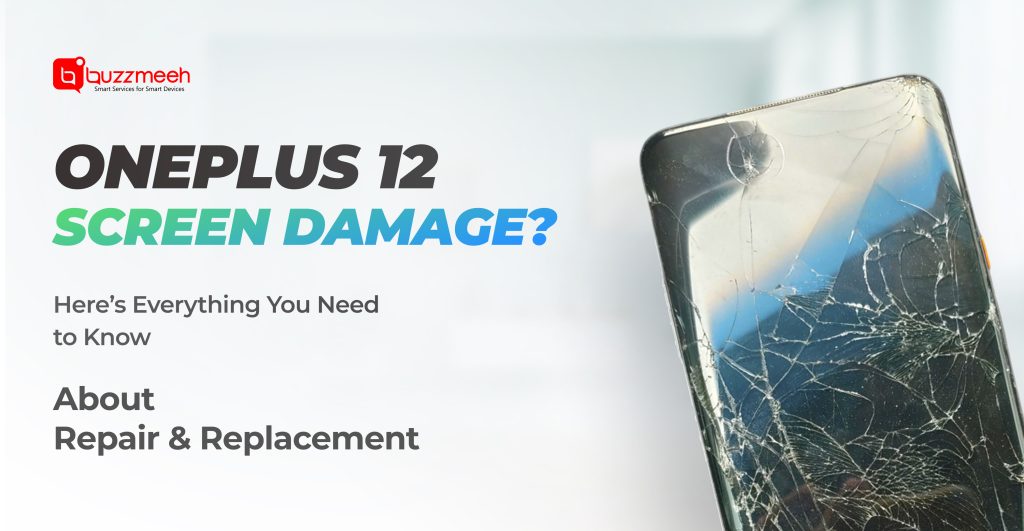
OnePlus 12 Screen Damage? Here’s Everything You Need to Know About Repair & Replacement
The OnePlus 12 is a premium flagship known for its stunning curved AMOLED display, fast performance, and sleek design. But even the toughest phones aren’t immune to accidents. A single drop, pressure in your pocket, or an unexpected slip from your hand can leave you staring at a cracked or unresponsive screen.
If your OnePlus 12 display is damaged, the good news is that it can be fixed professionally without replacing the phone. In this blog, we’ll walk you through when a repair is enough, when replacement is required, and how to get your phone fixed the smart way.
Read Also: How to Know If Your OnePlus Screen Needs Replacement – 5 Warning Signs
Common Screen Problems Faced by OnePlus 12 Users
Screen damage doesn’t always mean shattered glass. Many issues start subtly and worsen over time if ignored.
- Visible Cracks or Shattered Glass
This is the most obvious sign. Even small cracks can spread and impact touch sensitivity.
- Touch Not Responding Properly
If taps don’t register or ghost touches occur, the digitizer layer is likely affected.
- Lines, Black Spots, or Flickering
Vertical lines or dark patches indicate internal AMOLED damage.
- Green Tint or Color Distortion
A common issue after impact or pressure damage on curved displays.
These symptoms usually indicate the need for oneplus 12 screen repair, and delaying action can lead to complete display failure.
Read Also: How to Know If Your AirPods Speaker or Mic Needs Repair
Repair vs Replacement: What Does Your OnePlus 12 Need?
Not every damaged display requires full replacement. The solution depends on the severity of the issue.
a) When Repair Is Enough
- Minor cracks on screen glass
- Loose display connectors
- Software-related display glitches
- No visible internal damage
In such cases, a professional oneplus repair can restore your screen functionality without changing the entire panel.
b) When Screen Replacement Is Required
- Broken or shattered glass
- AMOLED panel damage (lines, black screen)
- Severe touch malfunction
- Color bleeding or dead pixels
These problems require a complete oneplus screen replacement to bring your phone back to original performance.
Read Also: OxygenOS 16 Update: How It Impacts Battery & Performance and When to Get Your OnePlus Checked
How Professional OnePlus 12 Screen Replacement Is Done
At Buzzmeeh, OnePlus screen work is handled by trained technicians using precision tools designed for curved displays.
Step-by-Step Process
- Full Diagnosis – Touch, display, sensors, and frame inspection
- Safe Screen Removal – Controlled heat separation to avoid frame damage
- Panel Installation – High-quality, tested replacement screen
- Touch & Display Calibration – Ensuring smooth response and color accuracy
- Final Quality Testing – Camera, fingerprint, brightness, and durability checks
- This process ensures your phone looks and feels just like it did before the damage.
Why OnePlus 12 Screens Need Expert Handling
The OnePlus 12 uses a curved AMOLED LTPO display, which is thinner and more sensitive than flat screens. Incorrect repair methods can lead to:
- Frame bending
- Display lifting after a few days
- Touch lag issues
- Reduced brightness or color shifts
That’s why it’s critical to trust experienced professionals rather than risking untrained handling.
Get OnePlus mobile Repair at Home – No Store Visits Required
One of the biggest advantages Buzzmeeh offers is oneplus repair at home, making the repair process stress-free and convenient.
Read Also: AirPods Battery Draining Fast? Here’s Why It Happens and How to Fix It
What You Get
- Doorstep inspection and repair
- Free pickup & drop if needed
- Transparent pricing before repair
- Warranty-backed service
- No waiting at service centers
Whether you’re at home or at work, your OnePlus 12 gets fixed where it’s most convenient for you.
How Long Does the Repair Take?
- Screen repair or replacement: 60–120 minutes
- Diagnosis + quality check: Included
- Pickup & drop option: Same-day or next-day
Most repairs are completed the same day, depending on part availability.
Read Also: OnePlus 15 Launch on November 13: What’s New and How Buzzmeeh Prepares for Its Repairs
Tips to Prevent Screen Damage in the Future
Once your OnePlus 12 is repaired, these tips will help extend the life of your display:
- Use a high-quality tempered glass
- Avoid keeping the phone in a tight pocket
- Don’t place it face-down on hard surfaces
- Use a shock-absorbing protective case
- Avoid pressure on curved screen edges
- Prevention is always cheaper than repair.
Is It Worth Repairing the OnePlus 12 Screen?
Absolutely. The OnePlus 12 is a premium device, and repairing the screen costs a fraction of replacing the phone. With professional service, you retain:
- Original performance
- Data safety
- High resale value
A timely screen fix ensures your device continues to perform at its best.
Read Also: Signs You Need an iPad Air 4 Charging Repair and How to Get It Done
Final Thoughts: Fix It the Right Way
A damaged screen doesn’t mean the end of your OnePlus 12. Whether you need a minor fix or a full display replacement, choosing expert service makes all the difference.
Buzzmeeh offers trusted oneplus repair, accurate oneplus screen repair, high-quality oneplus screen replacement, and the convenience of oneplus repair at home so you never have to compromise on quality or comfort.
If your OnePlus 12 screen is damaged, don’t wait for it to get worse. Get it repaired correctly, safely, and conveniently – right at your doorstep.
Visit: www.buzzmeeh.com
WhatsApp: Instant support available