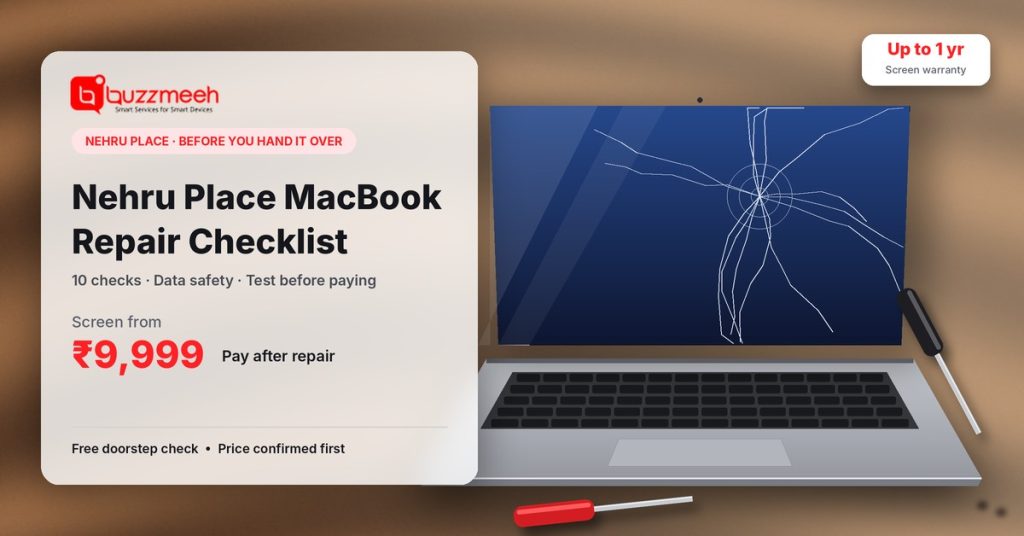
Getting Your MacBook Repaired in Nehru Place? 10 Things to Check First
Nehru Place is one of the biggest IT markets in India, and you’ll find a MacBook repair counter on almost every floor. That choice is useful, but it also means quality varies a lot from one counter to the next. This Nehru Place MacBook repair checklist covers the ten things I’d check before handing over a MacBook, so you protect your data, pay a fair price and get the part you paid for.
Quick answer: Before a MacBook repair in Nehru Place, back up your data, note the serial number, photograph the MacBook, and get a written quote that names the part. Never share your Apple ID password. Ask for the old part back and a written warranty, and test the screen, keyboard, trackpad, camera, speakers, charging and Battery Health before you pay.
Nehru Place MacBook Repair Checklist, Part 1: Before You Leave Home
1. Back up everything
Use Time Machine or iCloud. Most repairs don’t touch your storage, but if a logic board needs work or a liquid-damaged MacBook stops booting, an up-to-date backup is the only thing that saves your files.
2. Note your serial and model number
Open the Apple menu → About This Mac, and take a screenshot. Also photograph the “A” number on the bottom case. This proves which MacBook you handed over, and it’s the first thing to check when you collect it.
3. Photograph the MacBook from every side
Take clear photos of the lid, corners, bottom case, screen (switched on) and keyboard. If a new dent or scratch appears after the repair, you’ll have proof that it wasn’t there before.
Nehru Place MacBook Repair Checklist, Part 2: Questions at the Counter
4. “Can I have the quote in writing, with the part named?”
A good quote states your model number, the exact part (for example, “display panel” or “full display assembly”) and the final price. A verbal “around ₹8,000” often turns into a bigger bill once the MacBook is opened.
5. “What grade is the part, and what’s its warranty?”
Screens and batteries come in very different grades. Ask whether it’s a high-grade part or a low-cost copy, and how long the warranty runs. For a new battery, ask what the cycle count will show. A new one should read 0 or close to it.
6. “Will the repair happen here, or somewhere else?”
Many counters send MacBooks to a workshop elsewhere in the market. That isn’t wrong, but it’s worth knowing who actually opens your MacBook and how long it will be away from you.
7. “Can I have the old part back?”
Asking for the old screen or battery is a simple way to confirm the part was really replaced. An honest repairer won’t mind.
From Sammer’s repair bench: “The most common complaint we hear from people who’ve had a repair elsewhere isn’t about price. It’s ‘they fixed one thing and now something else doesn’t work.’ That’s why the before photos and the after-test matter so much. They settle the question in two minutes.”
Nehru Place MacBook Repair Checklist, Part 3: Protect Your Data
8. Never hand over your Apple ID password
A technician doesn’t need your Apple ID to repair a MacBook. If they need to log in for testing, create a separate standard user account with its own simple password before you go. Keep FileVault turned on, so your files stay encrypted if the drive is accessed.
Leave Find My turned on unless the repairer clearly explains why it must be off. It’s your protection if the MacBook goes missing.
Nehru Place MacBook Repair Checklist, Part 4: Before You Pay
9. Test the MacBook for five minutes
| What to test | How |
|---|---|
| Screen | Open a plain white and a plain black image. Look for lines, dead pixels, uneven light or pressure marks. |
| Keyboard | Type every key in a note, and check the backlight. |
| Trackpad | Click in all four corners, and try two-finger scrolling. |
| Camera and microphone | Open Photo Booth and record a few seconds. |
| Speakers | Play a song at medium volume. Listen for crackling. |
| Charging | Plug in and watch the percentage rise. |
| Battery | System Settings → Battery → Battery Health should say “Normal”. |
| Wi-Fi and Bluetooth | Connect to your phone’s hotspot and a Bluetooth device. |
| Serial number | About This Mac should show the same serial you noted earlier. |
10. Get a written warranty and receipt
The warranty slip should show the date, your MacBook’s serial number, the part replaced and the warranty period. Pay by UPI or card where possible, because a digital payment is also a record of the transaction.
Green Flags and Red Flags at Any Repair Counter
| Green flag ✅ | Red flag ⚠️ |
|---|---|
| Checks the MacBook in front of you before quoting | Quotes a price without looking at it |
| Gives a written quote with the part named | Says “we’ll tell you after opening” |
| Explains part grade and warranty clearly | Promises a brand-new Apple part at a suspiciously low price |
| Lets you test before paying | Asks for full payment upfront |
| Offers the old part back | Refuses to show or return the old part |
| Never asks for your Apple ID password | Insists on your Apple ID password |
Plenty of honest repairers work in Nehru Place. This Nehru Place MacBook repair checklist simply helps you find them, and it works just as well anywhere else in Delhi.
What Should a Fair Price Look Like?
Prices depend on your exact model, so compare quotes for the same model number and the same part grade. For a model-by-model reference, see our MacBook screen replacement cost guide and our MacBook battery replacement cost guide.
Prefer Not to Go to Nehru Place?
If you’d rather skip the crowds and parking, you won’t need a Nehru Place MacBook repair checklist at all. Instead, Buzzmeeh’s technicians come to your home or office. You get a written price before any work, the repair happens in front of you, and you pay only after testing, which covers most of this checklist by default. See our MacBook repair in Nehru Place page for doorstep service in and around Nehru Place, Kalkaji and Greater Kailash.
Want a second opinion on a quote?
Used our Nehru Place MacBook repair checklist and got a quote? Send us your MacBook model number and the quote you received. We’ll tell you honestly whether it looks fair.
FAQs: Nehru Place MacBook Repair Checklist
Is Nehru Place a good place for MacBook repair?
It can be. Nehru Place has many experienced repairers and competitive prices, but quality varies from counter to counter. A written quote, a named part and a test before payment help you choose well.
How can I check if a part was really replaced?
Ask for the old part back. For a battery, also check that the cycle count in System Information → Power shows 0 or close to it.
Should I give my Apple ID password to the repair shop?
No. A repair doesn’t need it. Create a separate standard user account for testing instead, and keep FileVault turned on.
What should a MacBook repair warranty include?
The date, your MacBook’s serial number, the part replaced and the warranty period, all in writing.
What should I test after a MacBook repair?
Check the screen, keyboard, trackpad, camera, speakers, charging, Battery Health, Wi-Fi and Bluetooth, and confirm the serial number matches.
More MacBook Help
- Doorstep service: MacBook repair in Nehru Place
- Screen trouble? Read how to fix a MacBook screen
- Battery doubts? Check the MacBook battery replacement signs
- Not sure it’s worth it? Read is MacBook repair worth it
Written by Sammer, Senior MacBook Technician at Buzzmeeh
Sammer has 10+ years of hands-on experience repairing MacBook screens, batteries, keyboards and logic boards.
Last updated: November 2026.
Buzzmeeh is an independent repair service and has no affiliation with Apple Inc. MacBook, Apple ID, FileVault and Time Machine are trademarks of Apple Inc.