Is Your Pixel 9 Pro Fold Inner Screen Cracked, or Is It Just the Protector?
Foldable owners often show me a line or a bubble on the inner screen and say, “That’s it, I need a new display.” Sometimes they’re right. But quite often, when I tilt the phone under the light, the mark sits in the film on top, not in the screen itself, and the panel underneath is fine.
That happens more often than you’d think. The inner display on this phone comes with a Pixel 9 Pro Fold screen protector already fitted at the factory, and it’s thin enough that most people forget it’s there. So when it scratches, bubbles or lifts, it looks like the screen has broken. Before you spend money, here’s how I tell the two apart.
Quick answer: If the picture, colours and touch all work normally and the damage looks like a bubble, scratch, lifted edge or a line you can catch with a fingernail, it’s usually the Pixel 9 Pro Fold screen protector. If you see black or green patches, flickering lines, a spreading blob or dead touch, the inner screen itself has a fault. Don’t peel the factory layer off yourself, because it’s part of how the folding screen is protected.
Why the Pixel 9 Pro Fold Inner Screen Has a Protector
A folding screen can’t use the hard glass you’d find on a normal phone. It has to bend thousands of times, so the top surface is softer and needs a protective film. On the Pixel 9 Pro Fold, that film comes pre-applied on the inner screen.
Leave it on. Removing a factory-fitted foldable protector can damage the screen underneath, and I’ve seen people regret it within days. Our own advice to every foldable owner is the same: don’t force a foldable shut, and don’t peel its factory screen layer yourself.
The outer screen is different. It’s a regular glass panel, so you can protect it with a normal tempered glass like any other phone.
Protector Damage or Screen Damage? How to Tell
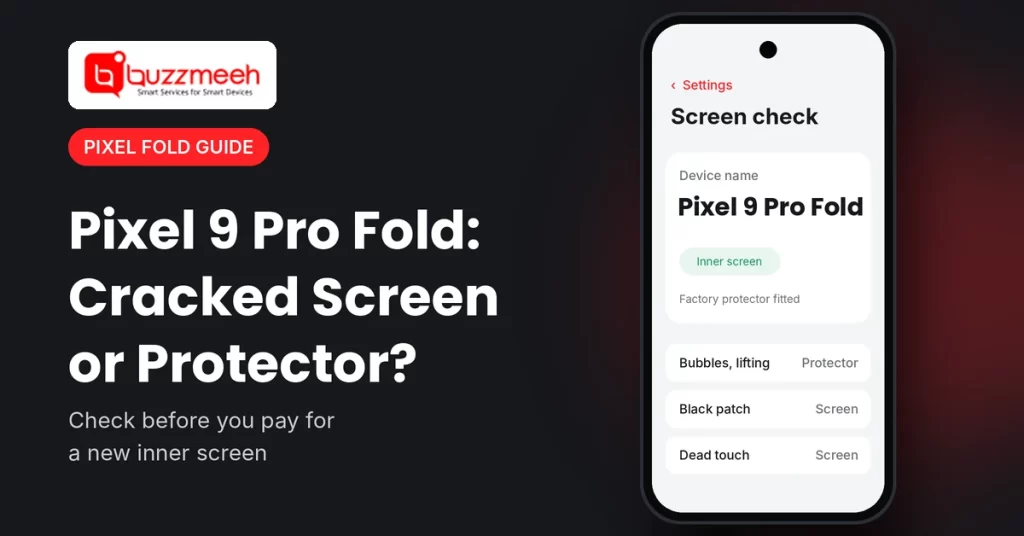
Open the phone fully, set brightness to maximum and open something plain and white, like a blank note. Then compare what you see with this table to check the Pixel 9 Pro Fold screen protector and the panel under it.
| What you see | Usually means |
|---|---|
| Bubbles, or a corner or edge lifting | Protector |
| Fine scratches you can feel with a fingernail | Protector |
| A thin line along the crease, but the picture under it looks normal | Often the protector |
| Black, green or purple patches | Inner screen |
| Coloured lines that stay when you scroll | Inner screen |
| A dark blob that grows over days | Inner screen |
| Touch not working in one area, or ghost taps | Inner screen |
One quick trick: tilt the phone slowly under a ceiling light. Protector damage catches the light and looks like it sits on top. Damage in the panel stays in place, whatever angle you hold it at.
What to Do If Only the Pixel 9 Pro Fold Screen Protector Is Damaged
- Stop picking at the lifted edge. It only makes the lift spread.
- Don’t stick tape or glue on it, and don’t put a second guard over it.
- Keep the phone in a case and fold it gently.
- Get the protector checked soon, before dust gets under it and scratches the screen.
When the Pixel 9 Pro Fold Inner Screen Needs Replacing
If your checks point to the panel, the inner screen needs a replacement. Waiting rarely helps with foldables, because every fold puts stress on the damaged area and the patch usually spreads.
Before you book, check one thing. Google runs an extended warranty program for a limited number of Pixel 9 Pro Fold units with problems that affect how the phone works, and it covers them for three years from purchase. If you haven’t dropped or bent your phone and the fault appeared on its own, look into that first.
If it was a drop, a bend or pressure in a bag, see the Google Pixel 9 Pro Fold screen replacement cost for your options.
Tip from Sameer, Senior Mobile Technician: “Never test a crease line by pressing on it. People do it to see if it’s ‘inside’ the screen, and that’s exactly how a protector problem turns into a panel problem. Look, tilt, take a photo, and send it to us. A clear photo usually tells me which one it is.”
Screen Pages for Every Pixel We Repair
Have another Pixel at home? Find it below.
Foldable Pixels
| Model | Screen page |
|---|---|
| Pixel 9 Pro Fold | Pixel 9 Pro Fold screen |
| Pixel 10 Pro Fold | Pixel 10 Pro Fold screen |
| Pixel Fold | Pixel Fold screen |
Pixel 9 and Pixel 10
| Model | Screen page |
|---|---|
| Pixel 9 | Google Pixel 9 screen replacement cost |
| Pixel 9 Pro | Google Pixel 9 Pro screen replacement cost |
| Pixel 10 | Pixel 10 screen |
| Pixel 10 Pro | Pixel 10 Pro screen |
Pixel 6, 7 and 8
| Series | Screen pages |
|---|---|
| Pixel 8 | Pixel 8 · Pixel 8 Pro · Pixel 8a |
| Pixel 7 | Pixel 7 · Pixel 7 Pro · Pixel 7a |
| Pixel 6 | Pixel 6 · Pixel 6 Pro · Pixel 6a |
| Pixel 3 | Pixel 3 · Pixel 3 XL |
Can’t find your model? See the full Google Pixel screen replacement cost page.
How We Handle Pixel Fold Repairs at Buzzmeeh
Send us a photo of the damage first. We’ll tell you honestly whether it looks like the Pixel 9 Pro Fold screen protector or the panel before you book anything. We repair at your home or office, give you a clear quote first, and you pay by UPI, card or cash only after testing the phone. Most screen repairs take 1–3 hours when the part is in stock; otherwise, they take 24–72 hours. We confirm Pixel 9 Pro Fold inner screen and hinge work model by model, so share your exact model when you message us. Every repair comes with a digital warranty card, as per our warranty policy.
We fix more than screens too. If your Pixel drains fast, check the Google Pixel battery replacement cost. We also handle screen and display repair, charging problems, speaker and microphone faults, camera repairs and back glass on Pixel and other phones.
Protector or screen? Send us a photo
Share a photo of the inner screen and your area. We’ll tell you what we see, the quote and a time slot.
Pixel 9 Pro Fold Screen Protector: FAQs
Does the Pixel 9 Pro Fold come with a screen protector?
Yes. The inner screen has a protector fitted at the factory. It’s thin, so many owners don’t notice it.
Can I remove the Pixel 9 Pro Fold inner screen protector?
Please don’t. It helps protect the folding screen, and removing it yourself can damage the display underneath.
How do I know if the protector or the screen has the damage?
If the picture and touch work normally, the damage is usually in the protector. Patches, lines, blobs or dead touch mean the screen itself has a fault.
Can I put a tempered glass on the outer screen?
Yes. The outer screen is regular glass, so a good tempered glass fits it like on any other phone.
Is the crease on a Pixel 9 Pro Fold normal?
A soft crease is normal on folding phones. A crease that suddenly gets deeper, or shows lines or patches, needs a check.
Written by Sameer, Senior Mobile Technician at Buzzmeeh
Sameer has more than 10 years of experience repairing smartphones, including foldables from Google, Samsung and OnePlus.
Last updated: November 2026.
Buzzmeeh is an independent repair service with no link to Google. We use the Google Pixel name only to describe the phones we repair; it belongs to its owner.